Voor installatieaantekeningen
Tips 1: Test vóór in
Installation Notes
Tip 1: Test before installation
When testing, do not remove any protective film or labels. Be mindful of static electricity. Before attempting a repair, make sure you are grounded with an ESD (electrostatic discharge) strap to prevent static damage to the phone’s electronic components. Wear eye protection and handle broken glass carefully to avoid cutting your fingers.
Tip 2: Simulated testing
Screen replacements are fragile. We strongly recommend testing before installation. Perform a simulated test: disassemble the phone, connect the motherboard + screen/LCD to the new replacement using the flex cable, power on the device, and complete the test. If everything works, proceed with installation. If the display does not work, contact us immediately. Do not force the part into the phone. We are not responsible once the screen has been installed.
Tip 3: Do not bend the cable too much
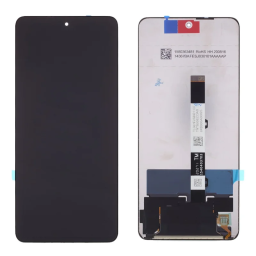
Make sure the LCD flex cable is not bent excessively. Bending more than 90 degrees can cause a black screen.
About the Product
-
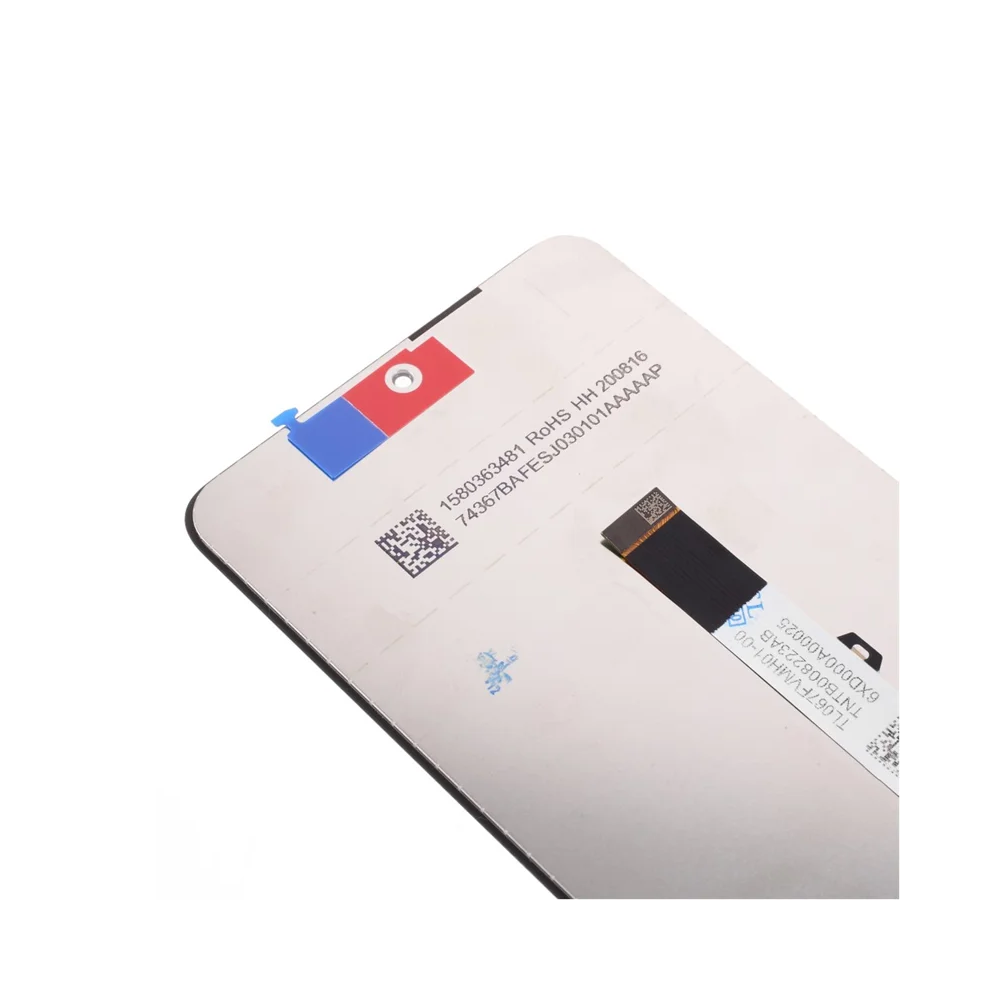
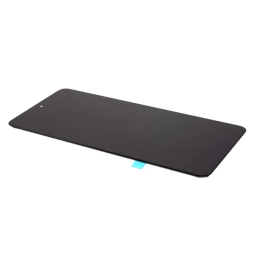
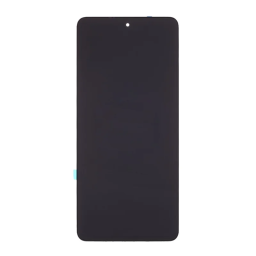
LCD screen + touch screen digitizer assembly replacement part (Hard OLED material)
-
Replace your broken or unusable part with a new one
-
Make your device look fresh again
-
Fully compatible — fits and works properly
-
Each item is inspected and in good condition before shipping
-
Professional installation is strongly recommended. We are not responsible once the screen has been installed.
stallatie Bij het testen, verwijder geen beschermende folie of labels. Let op het probleem van statische elektriciteit. Voordat u een reparatie probeert, zorg ervoor dat u uzelf aardt met een ESD (elektrostatische ontlading) riem. Dit voorkomt dat statische elektriciteit de elektronische componenten in de telefoon beschadigt. Zorg ervoor dat u oogbescherming draagt en wees voorzichtig om uw vinger niet te snijden met de glasdeeltjes. Tips 2: Simuleer tests Een schermvervanging is een zeer breekbaar product. We raden ten zeerste aan om te testen vóór installatie. Voer alstublieft gesimuleerde tests uit, wat betekent dat de mobiele telefoon uit elkaar is gehaald, (moederbord + LCD of scherm) verbonden is met een audiokabel en nieuwe vervanging, inschakelen, test voltooid. Als de test OK is, installeer het dan. Als het niet wordt weergegeven, neem dan onmiddellijk contact met ons op. En dwing het alstublieft niet om in de mobiele telefoon te installeren. We zijn niet verantwoordelijk zodra het scherm is geïnstalleerd. Tips 3: Buig de kabel niet te veel Zorg ervoor dat de LCD-kabel niet te veel wordt gebogen. Een buiging van meer dan 90 graden veroorzaakt een zwart scherm.
Over het product
- LCD-scherm + aanraakscherm digitizer-assemblage met frame, vervangingsonderdeel
- Vervang uw kapotte of onbruikbare item door een nieuw exemplaar
- Laat uw apparaat er frisser uitzien dan ooit
- Past perfect en werkt goed
- Elk item is gecontroleerd en in goede staat voor verzending
- Professionele installatie wordt ten zeerste aanbevolen. We zijn niet verantwoordelijk zodra het scherm is geïnstalleerd.

 English
 Nederlands
 Security policy
 Delivery policy
 Return policy
